
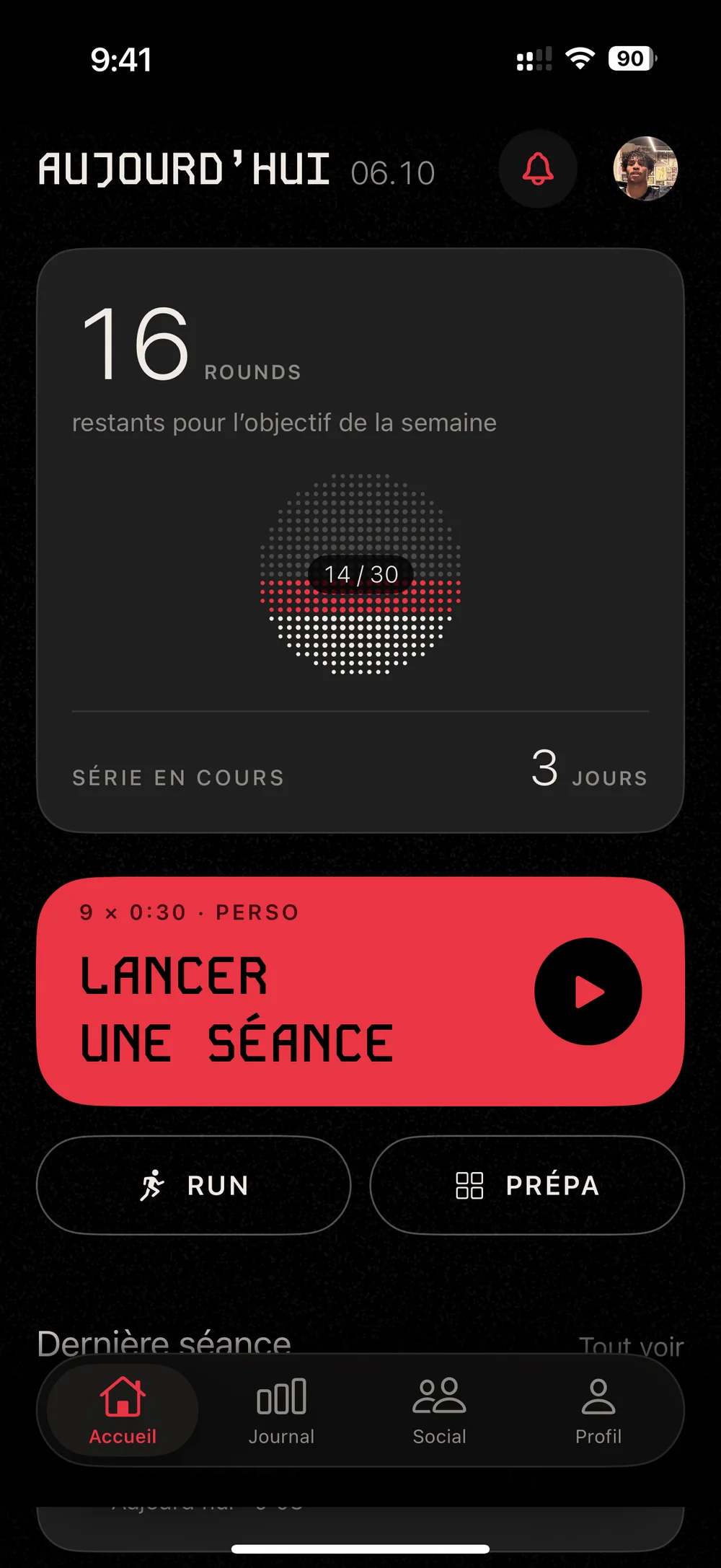
Recreational01
Shadow foundations
Guard, footwork, jab, cross and slips, shadowboxing before you hit the bag.
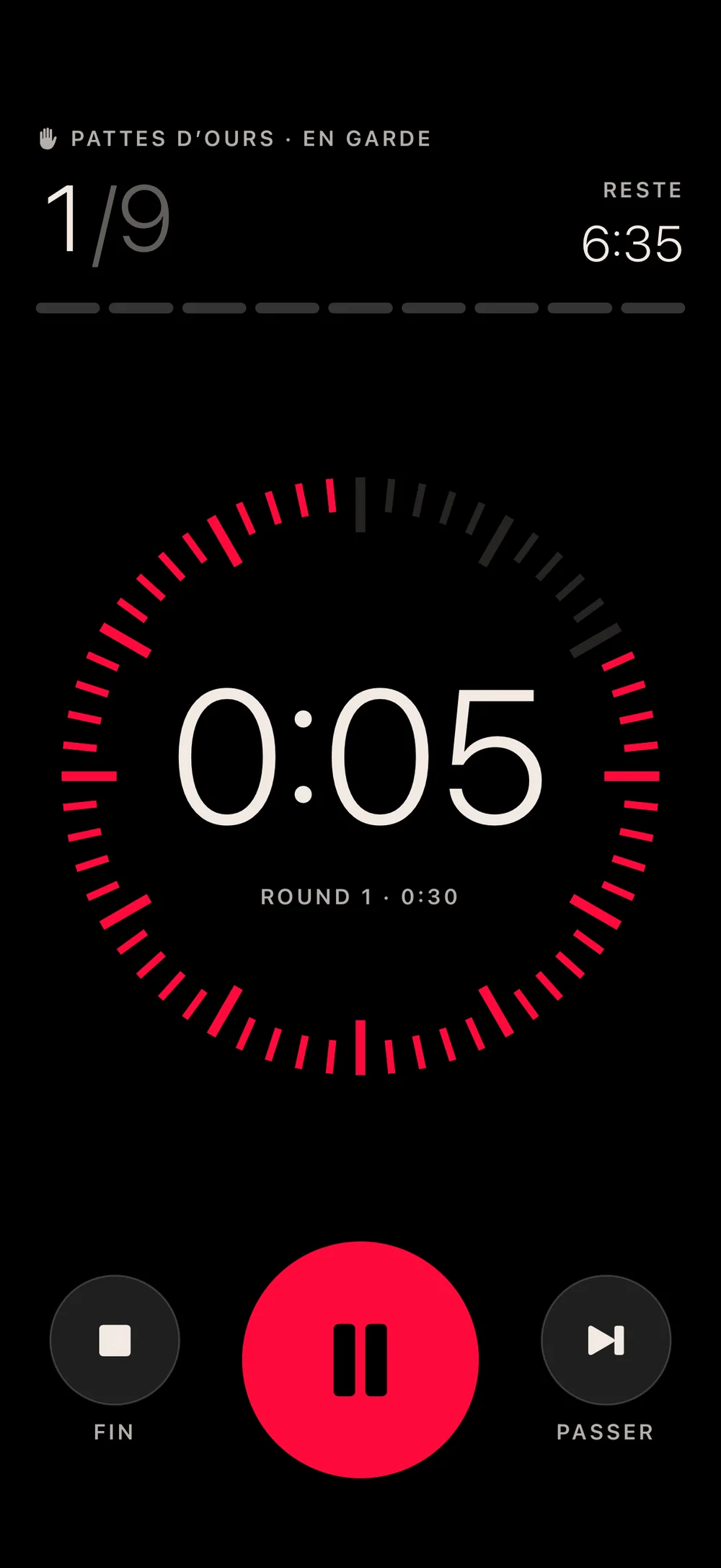
A big number you can read from the bag, and beeps that cut through your music.
12 × 3min
Pro
3 × 2min
Amateur
6 × 3min
Bag session
1–15rounds
Custom
The timer sounds at the start and end of every round, and warns you ten seconds before the end.
During the round, a voice calls out the combos and the screen shows the defense to work on.
Apple Music or your podcast doesn’t stop. The volume can dip for a beep.
The round stays on screen in a Live Activity and in the Dynamic Island.
Each program runs three to six weeks, with one focus for each session. A session counts as done once you’ve finished three quarters of its rounds.
Guard, footwork, jab, cross and slips, shadowboxing before you hit the bag.
5 to 8 three-minute rounds on the bag, with body work and an all-out finish to every round.
Rhythm mode at a fast tempo, with short rounds and short rests.
Shadowboxing, bag work and rhythm mode in rotation, up to 12 three-minute rounds.
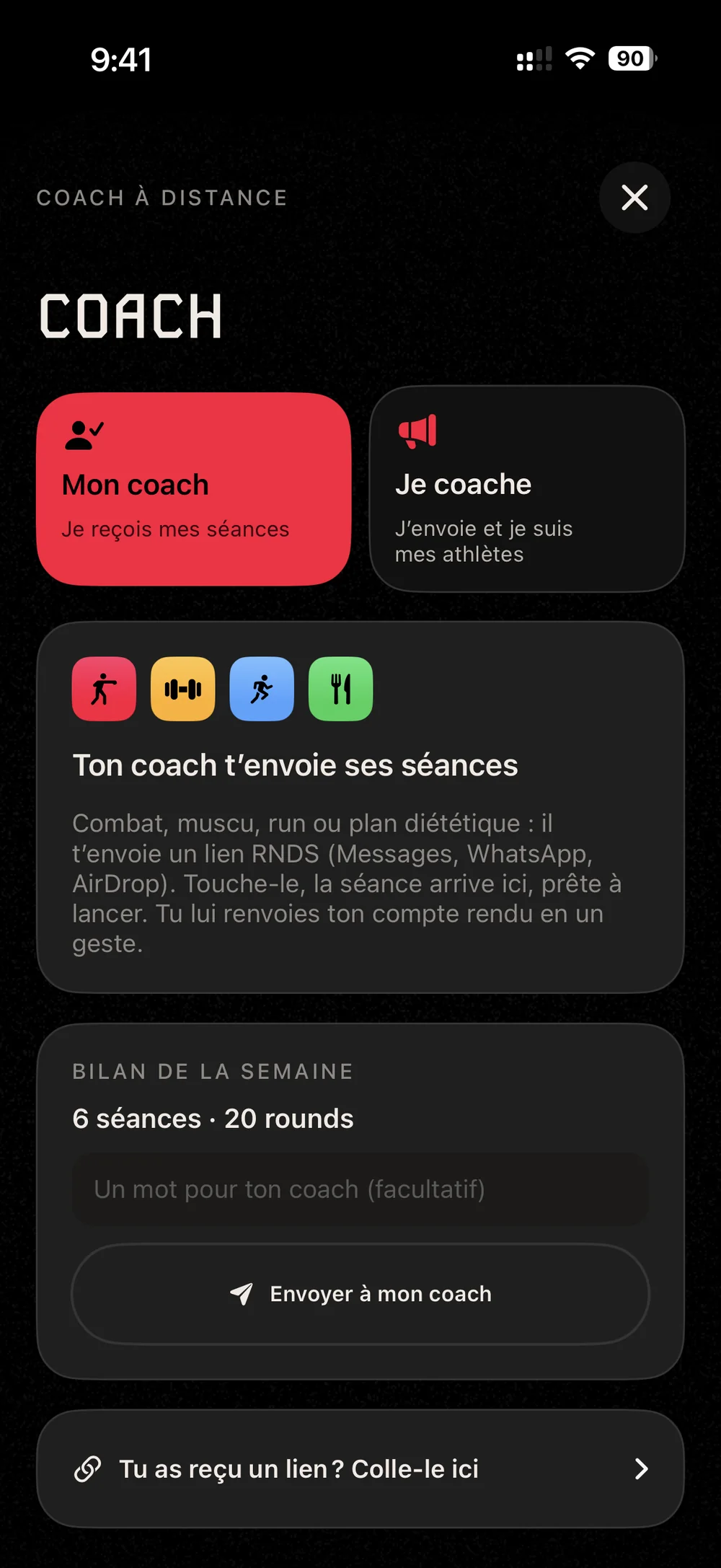
Remote coaching
Your coach sends you sessions as links: fight training, strength, running or a meal plan. Open the link and the session is added to RNDS.
Roadwork
GPS tracks your distance, pace and route. The app also has interval sessions, track sessions and heart rate zone runs.
6 × 3 min at threshold, 1 min recovery, like a fight.
Intervals10 × 30 s all out, 30 s recovery.
IntervalsOne lap each time, 90 s recovery. The app logs your time and pace for every 400.
Track1, 2, 3, 2, then 1 min at threshold, 1 min recovery.
Intervals3 × 8 min in zone 4, 2 min recovery.
Zone 440 easy minutes to build your aerobic base.
Zone 2At every kilometer, a beep, then a voice reads out your distance and time.
Around your training
Sleep, meals, water and weight, in the same place as your sessions.
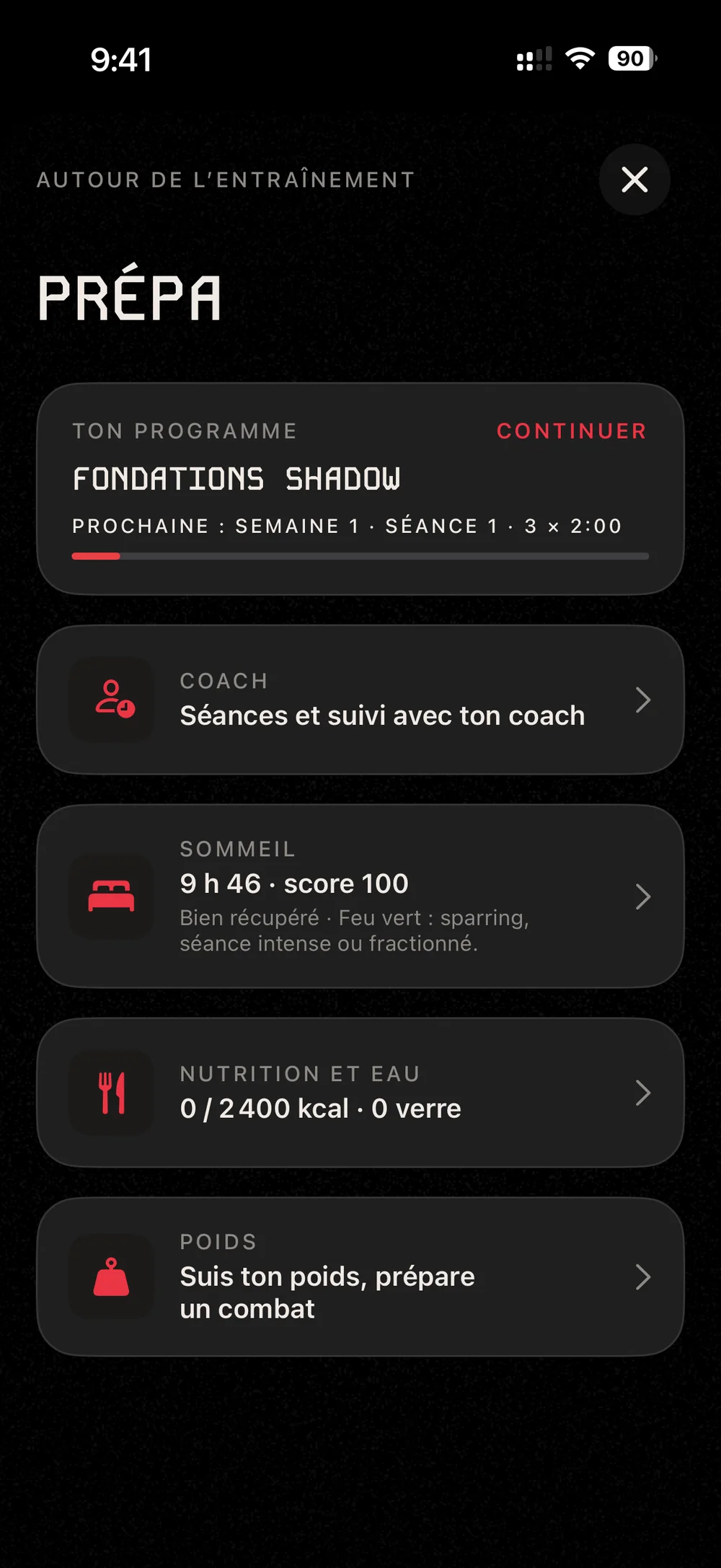
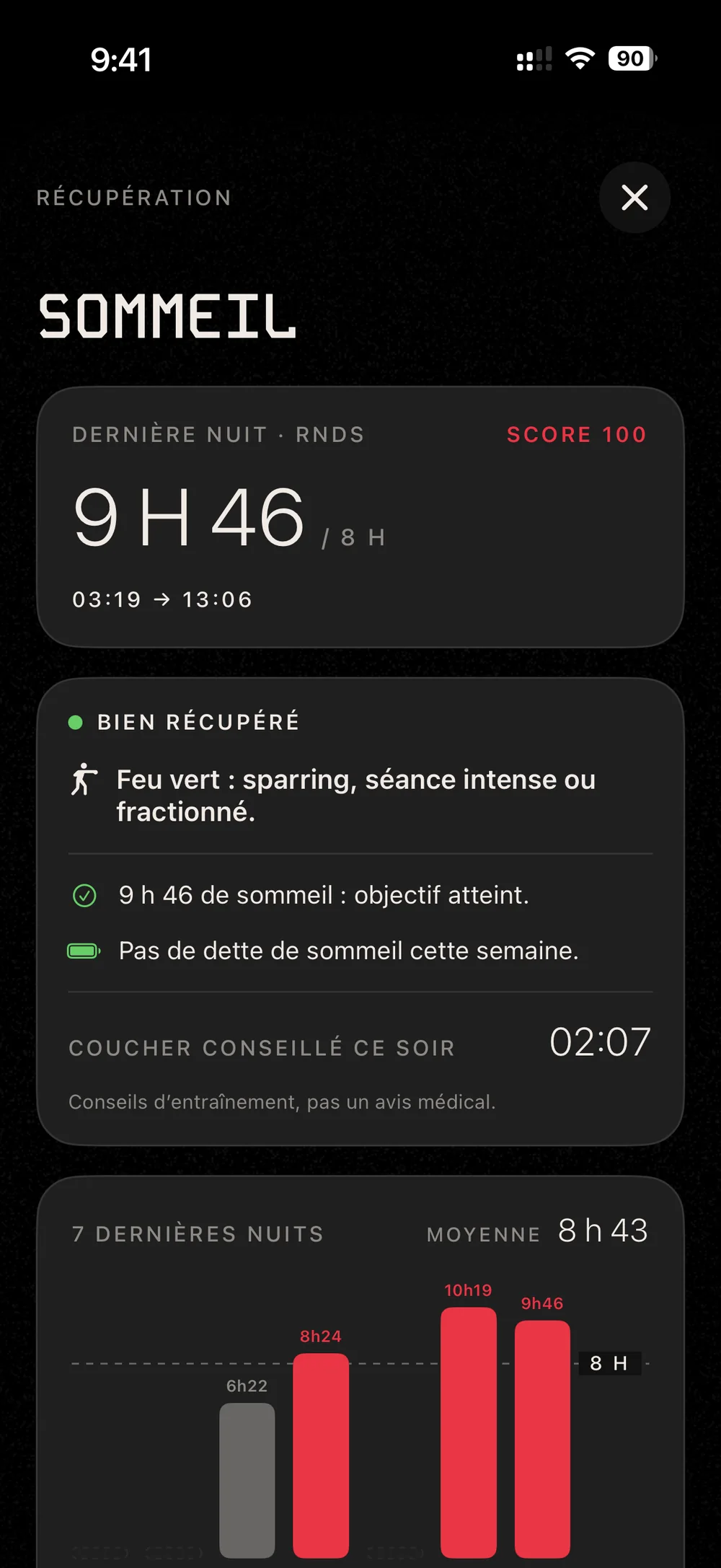
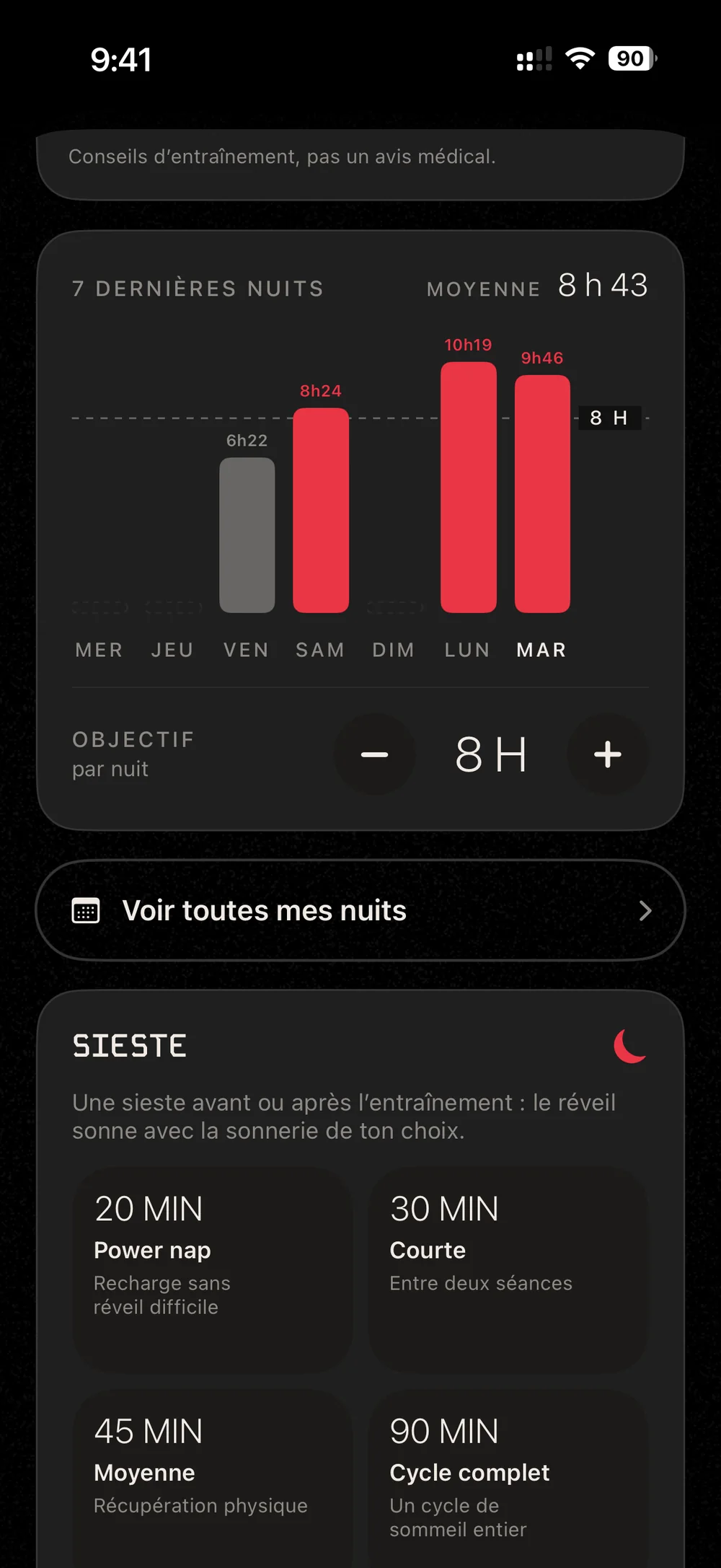
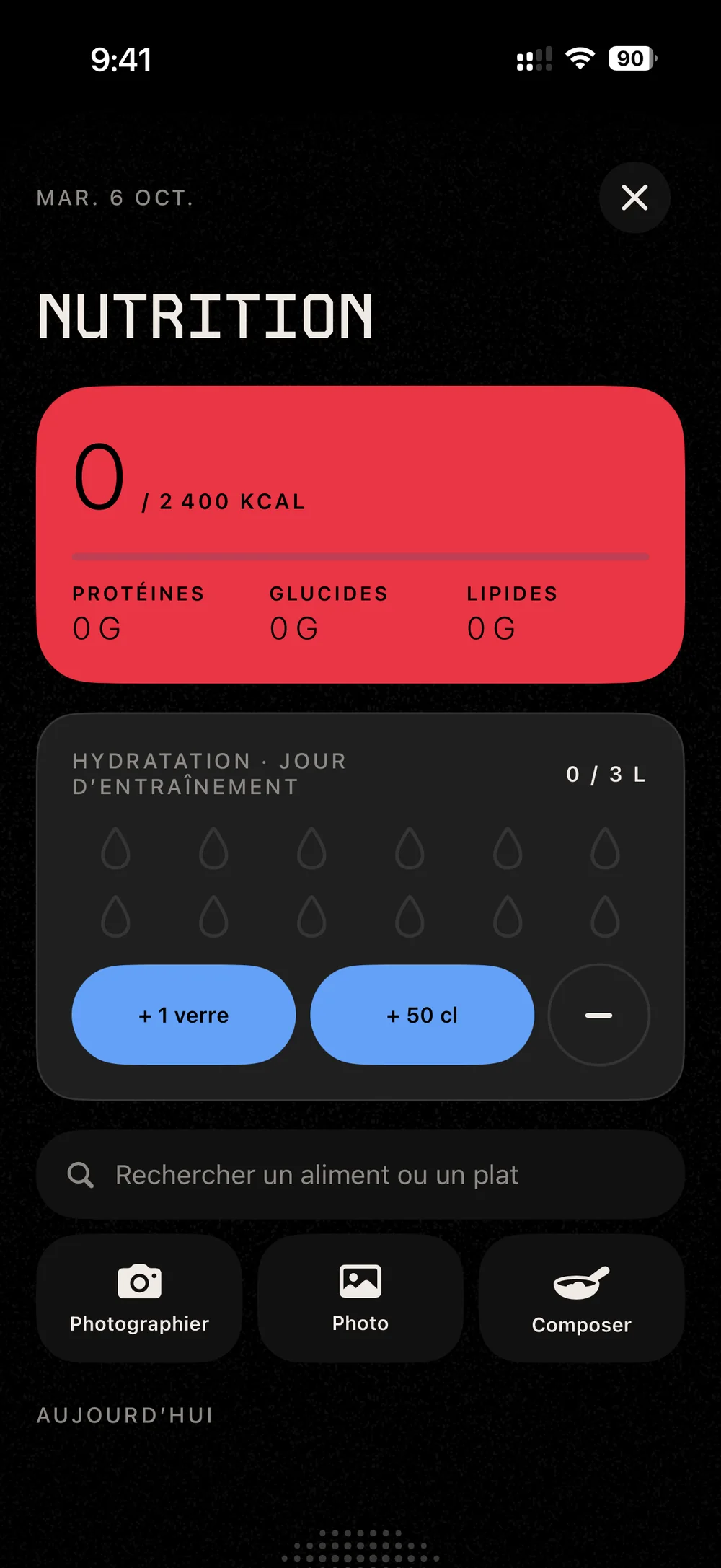
For weight, pick your weight class (16, from strawweight to cruiserweight) and your weigh-in date, then track your weight all the way to fight night.
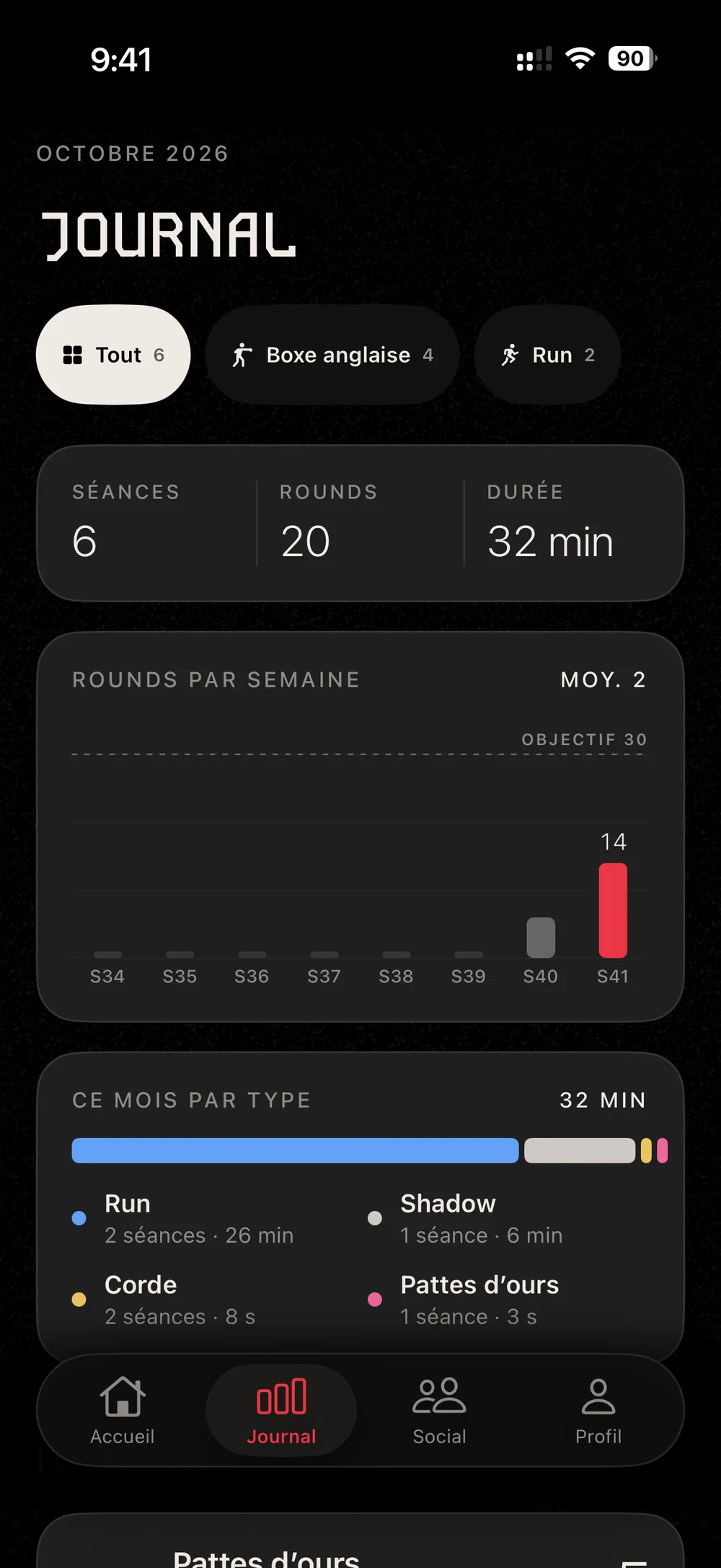
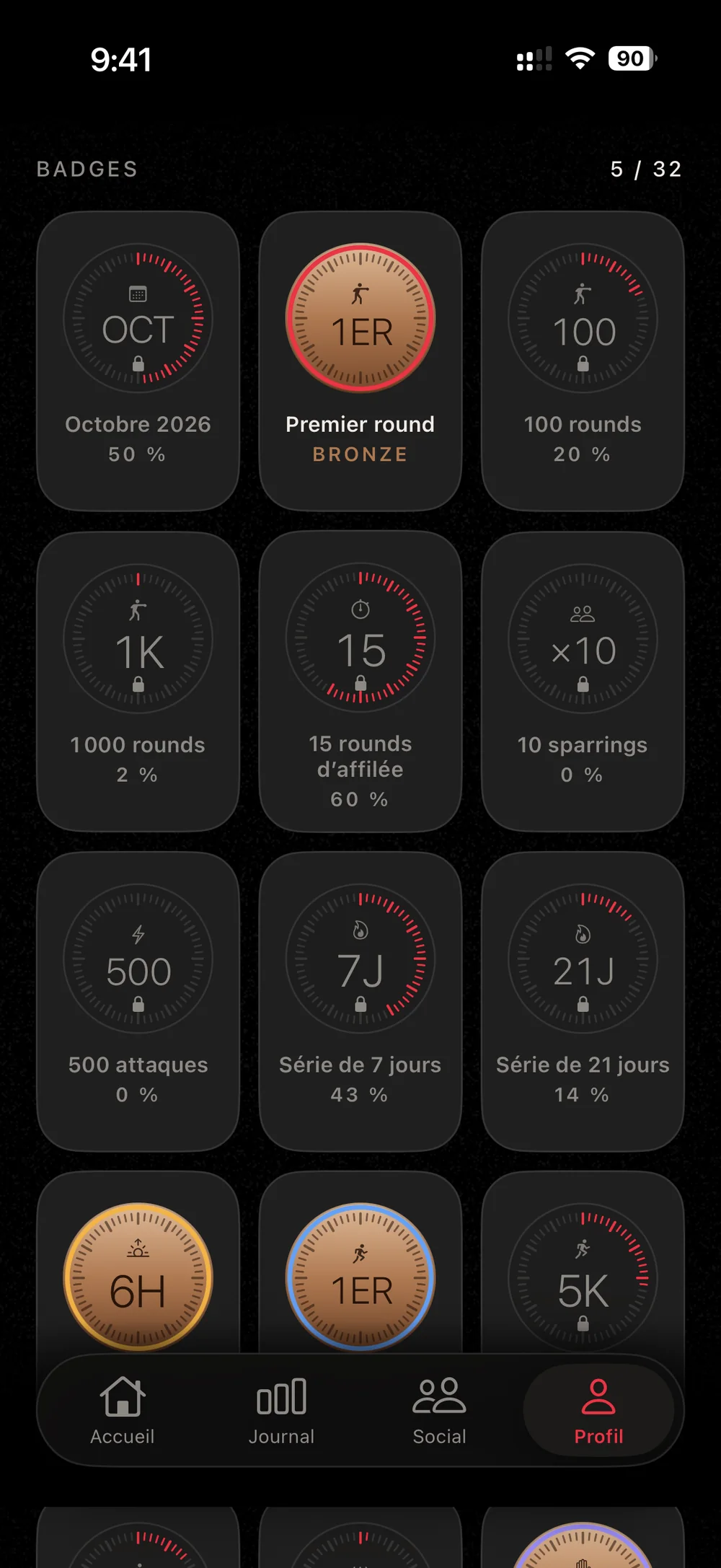
Every session is logged and sorted by week and by type. Add your training partners and challenge each other.
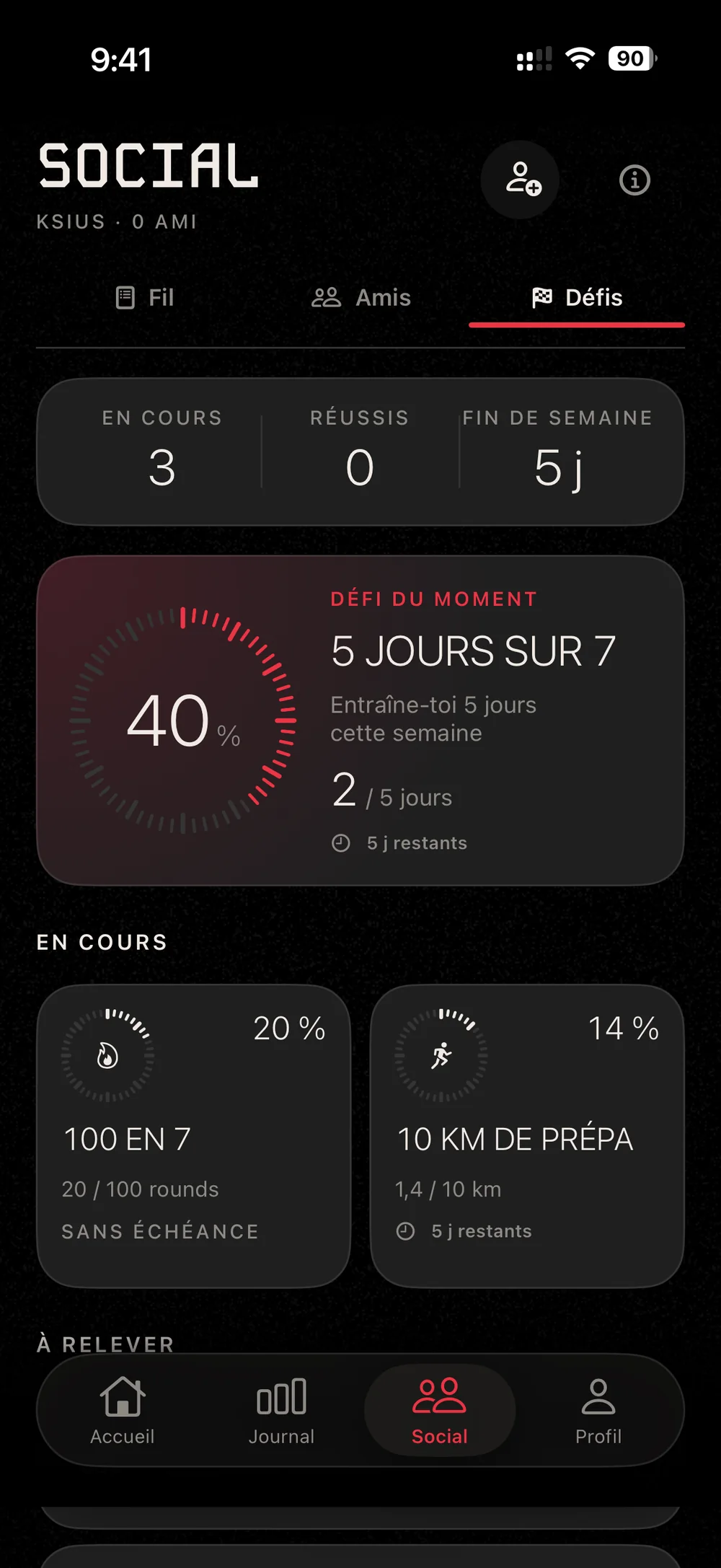
The watch tracks the session you start on your iPhone and measures your heart rate and calories.1
Sessions, sleep, meals, water and weight are saved to Health, if you allow it.
A Bluetooth strap sends your heart rate straight to your iPhone.
Runs and sleep also show on the Lock Screen and in the Dynamic Island.
Start a session or a run with your voice.
A control to start a session without opening the app.
Privacy
Only what the social features need goes online, and you decide what that is: a hidden session never leaves your phone. There are no ads and no ad trackers, in the app or on this site.
30 days
of sessions visible online, at most
24 h
to review a report
A word from Marc
I box in Lyon, and I built RNDS for my own training first.
If something bugs you during a session, write to me. I read every message.
MarcLyon, October 2026
Changelog
Version 1.0 in the works
RNDS launches soon on iPhone and Apple Watch. Send us an email and we’ll let you know on launch day.
or write directly to contact@rnds.app
Yes, in 30 seconds: your email (you get a 6-digit code, no password) or “Continue with Apple.” That’s how you get your account back if you change iPhones.
Yes, everything works with just your iPhone. To see your heart rate during a session, you need an Apple Watch or a Bluetooth heart rate strap.
Yes. Beeps and voice keep going when the screen is locked, and the round stays on screen in a Live Activity.
Your journal stays on your iPhone and in Health. Only what the social features need is online. It’s all explained in the privacy policy.
In the app: Settings › Data › Delete my account. Your online data is erased along with it.